New
Your other cameras and your own B-roll.
Upload up to three more cameras, lined up with your recording, and keep a library of your own clips.
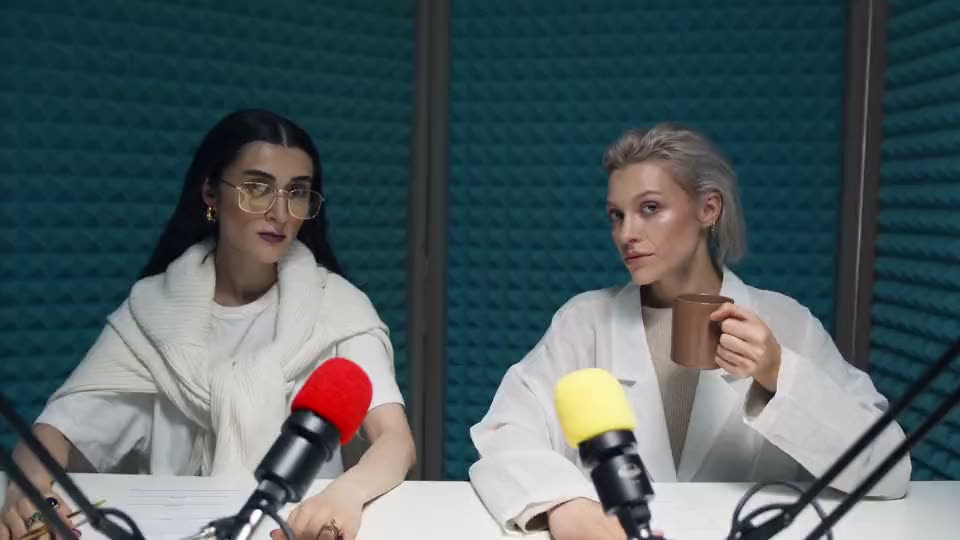
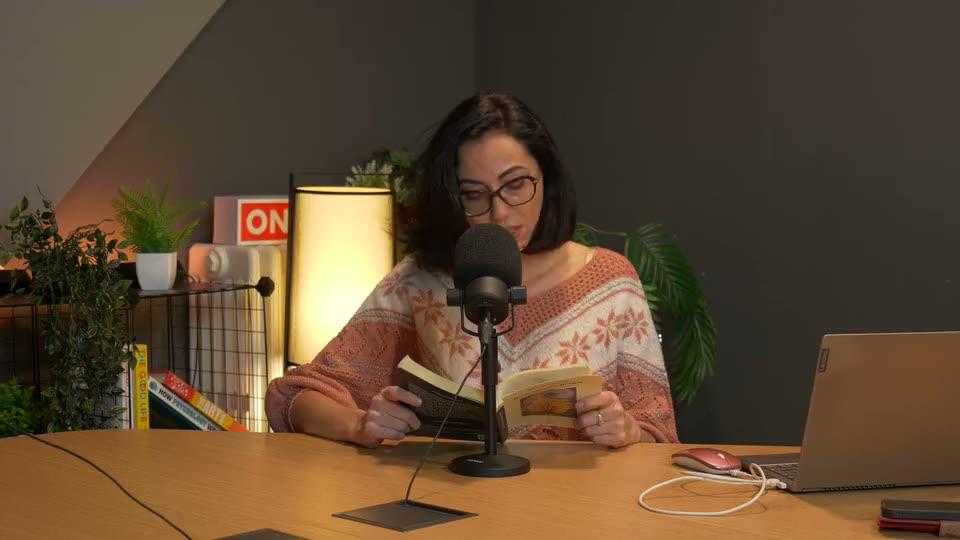
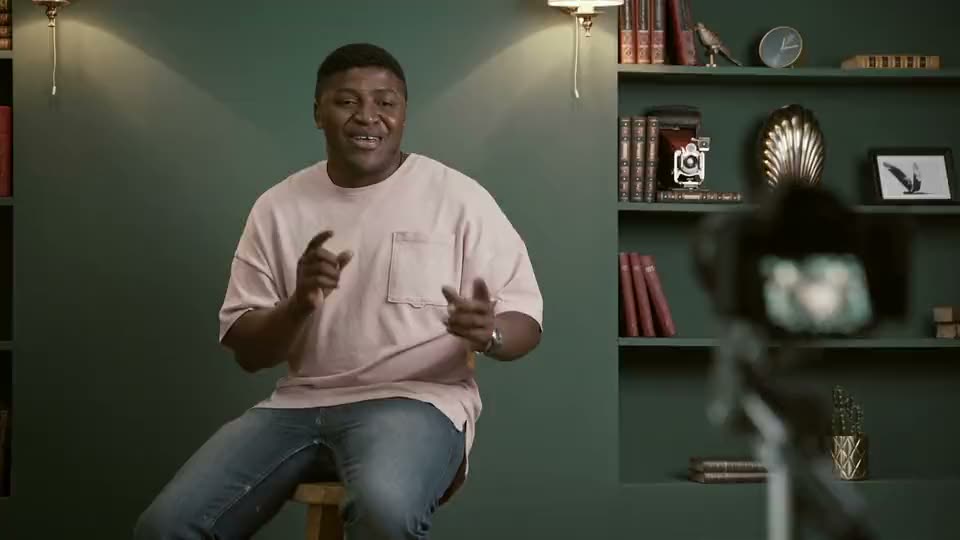
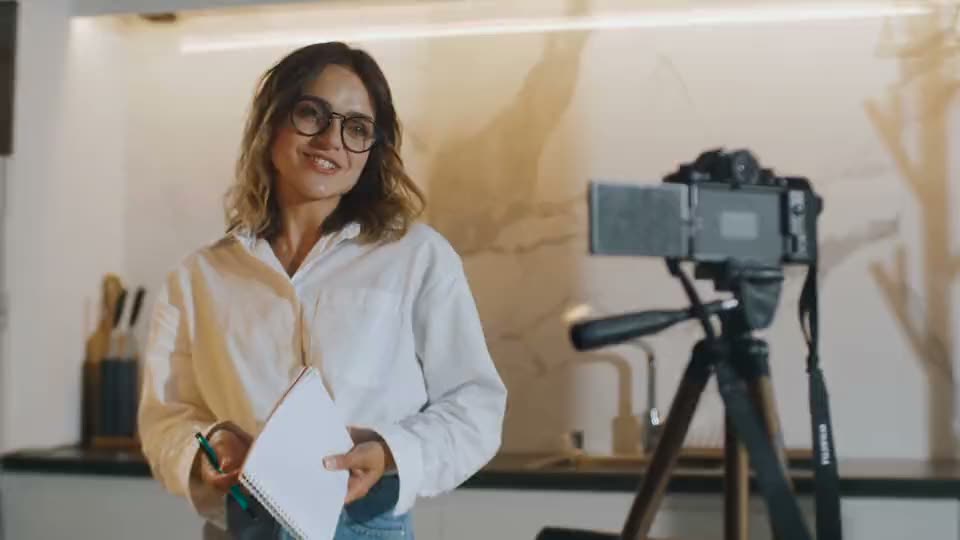
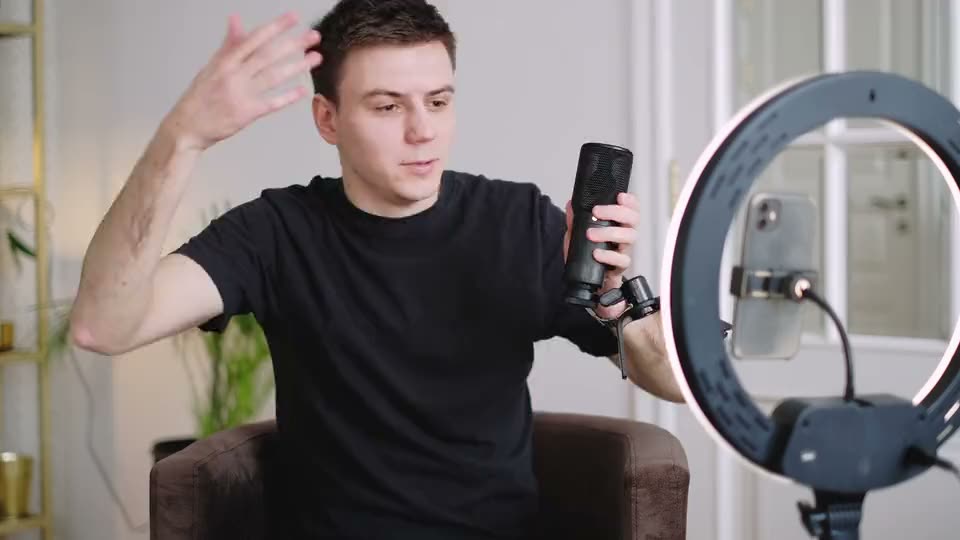 desk
 gear
 reaction
 gameplay
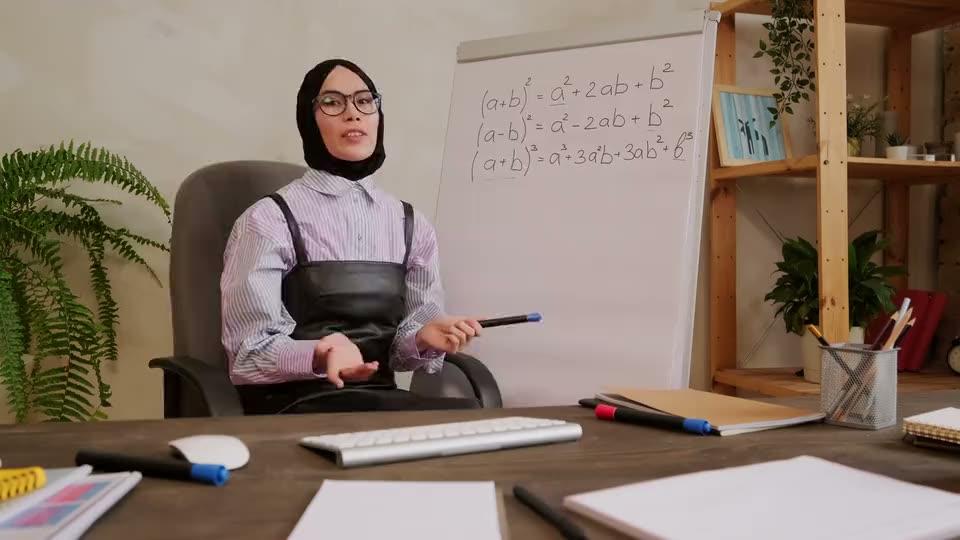 whiteboard
What it does
Add up to three more camera recordings to an episode, four in all, and say what each one is: another angle, or your screen. Smitty lines each one up with your main recording, so they start in sync. A screen recording can go into a Short with your face above it. Your own B-roll lives in a library: upload clips and images, tag them, and approve the ones that are yours to use.
How it works
- Add your camerasUp to three more, each an angle or your screen.
- Lined upSmitty checks each one against your recording, and lines it up.
- Build your B-roll libraryClips and images, tagged and approved.
- Edit as usualYour recording leads the long edit.
The details
- Files
- MP4, MOV, M4V, WebM or MKV, up to 20 GB each.
- Library
- Up to 500 clips and images.
- Face and screen in a Short
- A screen recording can share a Short with your face.
- The long edit
- The long edit follows your main recording. Switch angles or add B-roll in the DaVinci Resolve timeline, or hand it to your editor.
You stay in control
- Name each camera’s role.
- Tag, approve or remove any clip.
Good to know
Smitty doesn’t switch between cameras or place B-roll in the long edit; the timeline is the place for that.
Works well with
Timeline for your editing softwareA timeline file with the cuts already made, built for DaVinci Resolve.ShortsSmitty finds the best moments in your episode and cuts them as vertical Shorts, each with the reason it was picked.Sound and colourClean voice, your show’s colour, and cuts that sound like you never stopped.