New
One episode in. Shorts out.
Smitty finds the best moments in your episode and cuts them as vertical Shorts, each with the reason it was picked.
What it does
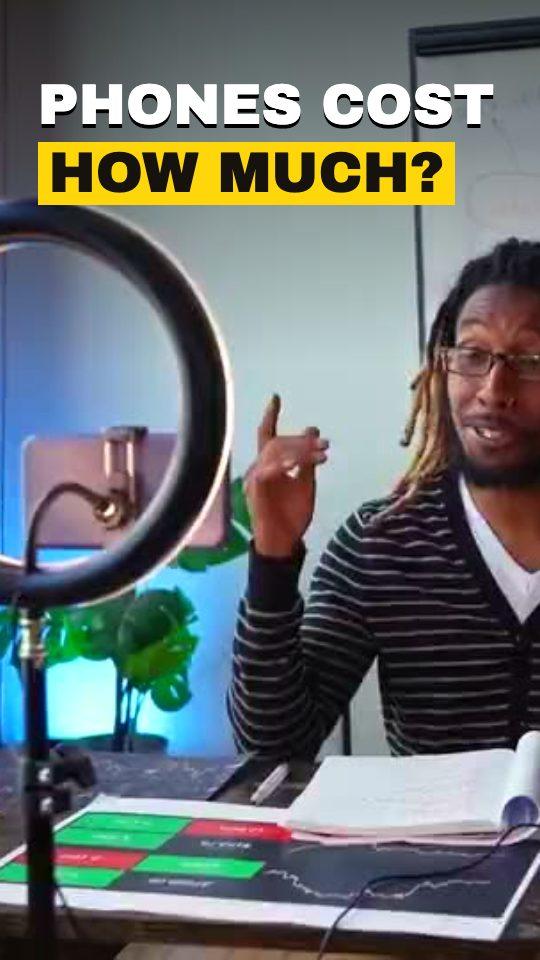
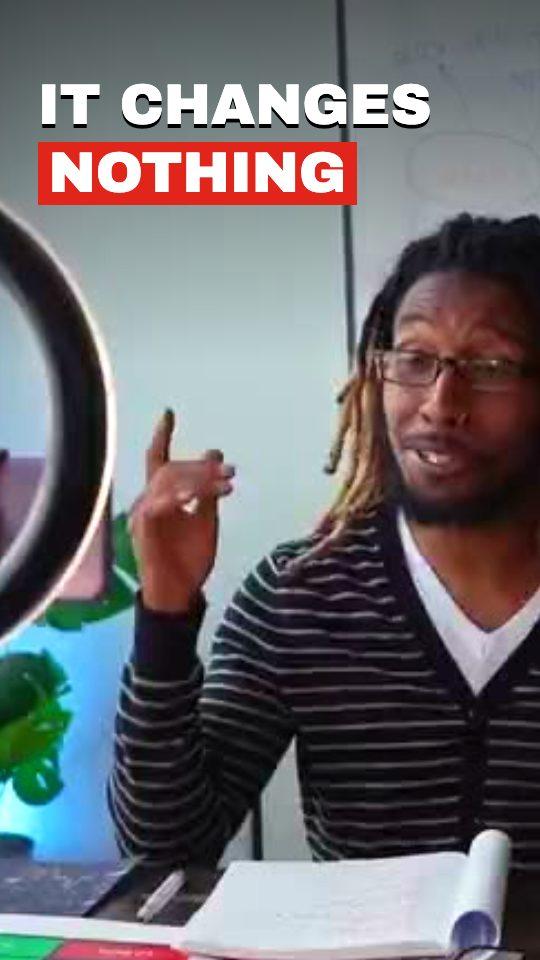
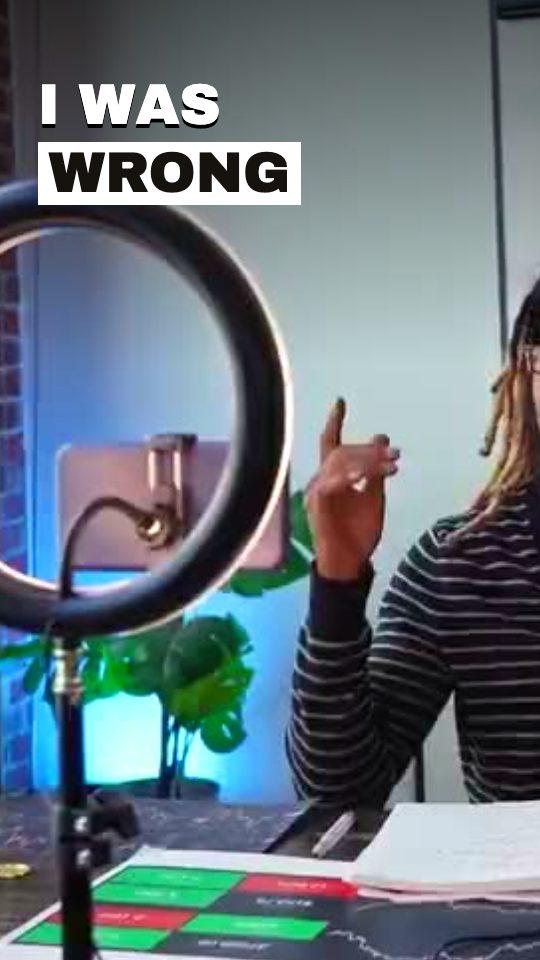
Once you’ve picked Smitty’s edit of an episode, Smitty proposes five Shorts from it: vertical, 15 to 60 seconds, each with the reason it was picked and three ways to open it. Keep the ones you like, skip the rest with a reason, or ask for more. You can also make Shorts from a video you’ve already published: upload your copy and Smitty finds the moments. Switch on highlights and extended cuts for a show, and they come with the Shorts.
How it works
- Pick the editShorts come from the edit you choose, so they match the episode you publish.
- Five Shorts, with reasons“Opens strong”, “A big reaction”, “You marked this”: each one says why it was picked.
- Choose an openingNatural start, straight to it, or a cold open. The one you pick is the one you download.
- Keep and downloadKeep the ones you want and download them together, each with its captions.
The details
- Vertical, 15 to 60 seconds
- Made for YouTube Shorts.
- More candidates
- Ask for more, up to eight from an episode. Each extra Short uses 5 credits.
- From any past video
- Upload a video of your own, finished or raw, and Smitty cuts Shorts from it.
- Highlights and extended cuts
- A 60 to 90 second highlight or a 3 to 8 minute extended cut, switched on per show in Show setup.
- Back to the episode
- An end card names the full episode. Link it to the episode in YouTube Studio.
- You post them
- Smitty doesn’t post or schedule. Download the Shorts and upload them yourself.
You stay in control
- Keep or skip each Short, with a reason.
- Pick which opening plays.
- Ask for more candidates.
Good to know
Shorts come from what’s in your video, so they are only as strong as its moments. Smitty doesn’t post for you.
Questions
How many Shorts do I get?
Five candidates from each episode. Ask for more and you can have up to eight; each extra one uses 5 credits.
Can I make Shorts from a video I made before CutSmith?
Yes. Upload your own copy of the video, finished or raw, and Smitty cuts Shorts from it. It doesn’t fetch videos from YouTube.
Does Smitty post them?
No. Download the Shorts you keep and upload them to YouTube yourself.