New
Three thumbnails in your style, every video.
Choose the style before the edit: one from your own channel, or a starter layout. Get three options in it.
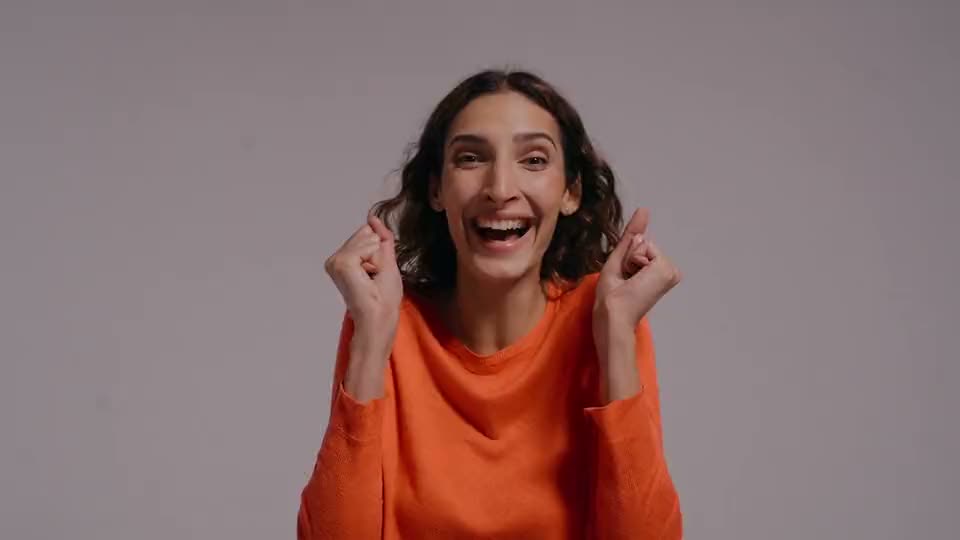
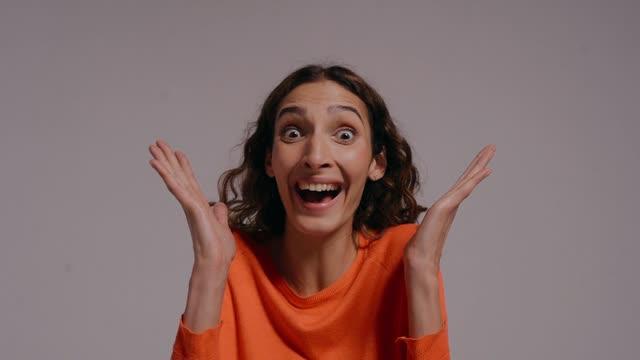
What it does
Before each edit renders, choose its thumbnail style: one from your own channel, or one of six starter layouts. Smitty then picks strong frames of your expression from the video and lays out three options in that style, with words you can change. Pick one, reject one with a reason, or upload your own. Your pick carries to the next version.
How it works
- Choose a styleFrom your channel, or a starter layout. You confirm it before the edit renders.
- Picks framesYour clearest expressions from this video.
- Three optionsIn your style, with words on them.
- You pickOr say why one didn’t work, or upload your own. Your pick carries to the next version.
The details
- Download
- JPG at YouTube’s size, 1280 × 720.
- Checked
- Every thumbnail is checked for a face.
- Face photos and templates
- Upload them in Brand now; thumbnails start using them as that rolls out.
You stay in control
- Pick, change the words, reject with a reason, or upload your own.
Good to know
It won’t invent a scene that isn’t in your video.
Works well with
StylesShow Smitty a video you’re proud of. It picks out what makes it yours, and you confirm each piece.TitlesMatched to the titles you give it. Never claims something you didn’t say. Or write your own.Review and notesGive your feedback on the frame it’s about, in a player like YouTube’s. Get a new version with your changes.